Tag: hermes agent

  • OpenClaw vs Hermes Agent: Architecture, Memory & Coding Benchmark Comparison

    OpenClaw vs Hermes Agent: Architecture, Memory & Coding Benchmark Comparison

    Published by AICodeNews Editorial Team | August 29, 2026

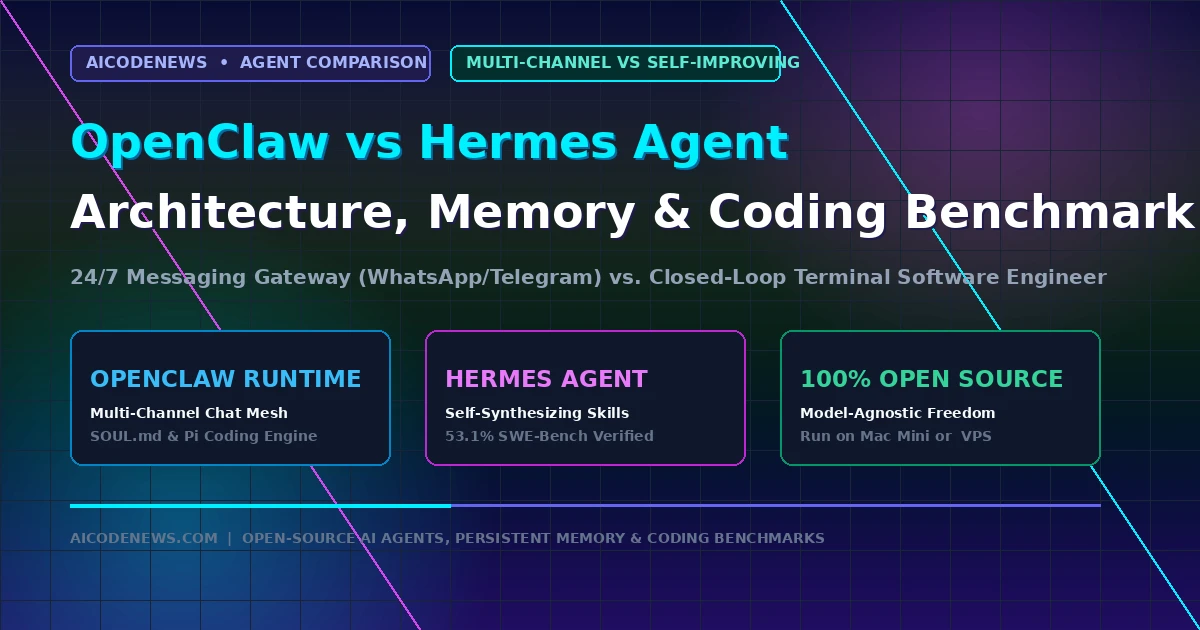
    In the battle of open-source autonomous AI agents, comparing OpenClaw vs Hermes Agent reveals two fundamentally different engineering philosophies driving the developer ecosystem in 2026.

    While OpenClaw (formerly Clawdbot/Moltbot) took the developer community by storm as an always-on personal intelligence layer connected to everyday messaging apps, Hermes Agent by Nous Research has emerged as a terminal-first autonomous software engineer with self-improving closed-loop learning. This comprehensive, in-depth guide breaks down OpenClaw vs Hermes Agent from first principles, detailing their core architectures, memory retention systems, skill creation pipelines, SWE-bench coding benchmarks, and deployment blueprints.

    1. What Is OpenClaw? The 24/7 Multi-Channel Personal Life OS

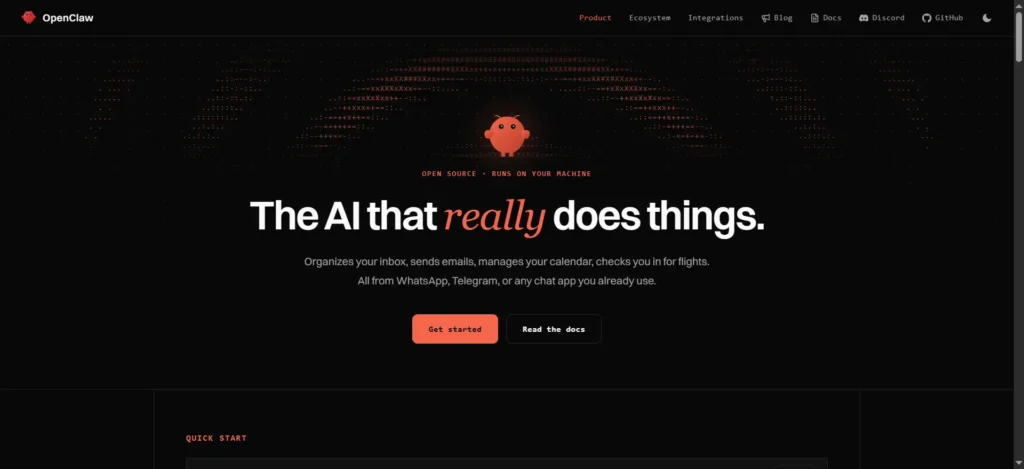
    openclaw ss

    OpenClaw is an open-source autonomous agent runtime designed to transform commercial messaging apps into a remote control for your computing life. Originating from the viral Clawdbot and Moltbot projects created by Peter Steinberger and an active open-source community, OpenClaw quickly crossed 100,000 GitHub stars by solving a major frustration with traditional AI chatbots: accessibility.

    Instead of forcing you to open a dedicated browser tab or keep a local terminal window active, OpenClaw runs as a persistent background daemon on a home server, Mac Mini, or cloud VPS. It pairs directly with your existing communication channels—including WhatsApp, Telegram, Discord, Slack, and Apple iMessage.

    Whenever you send a text message or voice note to your paired bot, OpenClaw’s execution core (powered by its Pi sub-agent engine) parses the request, accesses local files, queries APIs, runs shell scripts, and streams the finished result directly back to your chat thread.

    Core Capabilities of OpenClaw:

    • Multi-Channel Gateway Mesh: Native connectors for Telegram (via BotFather), WhatsApp (via QR code web pairing), Discord, and Slack with session isolation.
    • Transparent Personality & Memory (SOUL.md): Human-readable markdown files (SOUL.md, IDENTITY.md, USER.md) defining custom behavior rules, communication tone, and personal context.
    • Modular Skill Standards (SKILL.md): An extensible directory standard where tools, shell scripts, and API connectors are declared in self-contained markdown folders.
    • Sub-Agent Task Spawning: Can launch isolated background sub-agents to handle long-running research, web scraping, or cron jobs without blocking your active chat thread.

    2. What Is Hermes Agent? The Self-Evolving Autonomous Software Engineer

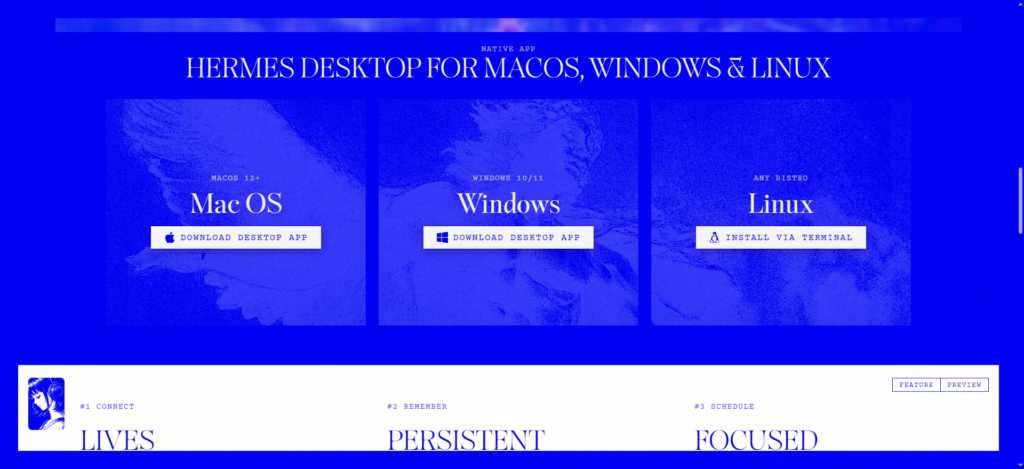
    hermes app website

    Hermes Agent is an open-source, command-line-first autonomous software engineering agent developed by Nous Research, the creators of the widely used open-weight Hermes model family. While OpenClaw focuses on everyday task automation across chat apps, Hermes Agent is engineered specifically to eliminate “agent amnesia” in deep software engineering and monorepo refactoring.

    In standard AI assistants, every session starts from a blank slate. If an agent spends two hours debugging a complex Rust compiler error or learning the esoteric architecture of a proprietary codebase, all of that institutional knowledge disappears the moment you close the terminal.

    Hermes Agent solves this through Closed-Loop Reinforcement Learning and Autonomous Skill Synthesis. After completing a programming task or resolving an error, Hermes Agent analyzes its own execution trajectory, extracts the successful solution pattern, and automatically writes a new, reusable SKILL.md playbook into its local database. The next time it encounters a similar error, it executes the solution immediately without re-inventing the wheel.

    Core Capabilities of Hermes Agent:

    • Closed-Loop Learning Engine: Autonomously synthesizes and updates custom skill scripts after completing tasks, compounding capability over time.
    • Persistent SQLite FTS5 Memory: Full-Text Search indexed memory storing conversation history, repository maps, and execution logs across sessions.
    • Multi-Tier Execution Environments: Can execute commands in your local shell, across remote SSH compute clusters, or inside hardened Docker sandboxes.
    • 3-Layer Credential & Model Fallback: Rotates through API key pools and automatically switches from primary models to auxiliary reasoning endpoints during rate limits.

    3. Architectural Comparison: Multi-Channel Gateway Mesh vs. Multi-Tier Execution Shell

    Understanding OpenClaw vs Hermes Agent requires looking at how their internal execution loops and control planes operate under the hood.

    The OpenClaw Control Plane: Messaging Mesh

    OpenClaw’s architecture is built around a centralized Node.js daemon that routes incoming events from external messaging protocols to its internal agent dispatcher:

    • 4. Streaming Egress: Sends live status updates and final deliverables back to the user’s mobile chat screen.

The Hermes Agent Control Plane: Trajectory Synthesis

Hermes Agent operates as a high-throughput developer CLI connected directly to code repositories, compilers, and test suites:

  • 1. Interactive Terminal & Batch Runner: Initiated via hermes chat for pair-programming or hermes run for headless CI/CD batch tasks.

  • 2. Execution Sandbox: Commands are executed inside local shells, remote SSH instances, or Docker containers with strict file permission boundaries.

  • 3. Trajectory Monitor & Evaluator: Monitors stdout/stderr streams, compiler return codes, and test assertions.

  • 4. Reflection & Skill Synthesizer: Upon successful task resolution, extracts the sequence of bash commands and saves an auto-generated SKILL.md file into ~/.hermes/skills/.

4. Memory Systems: Human-Curated Profiles vs. Dynamic Trajectory Indexing

A central battleground in OpenClaw vs Hermes Agent is how memory is structured, maintained, and audited over time.

OpenClaw Memory: The SOUL.md Approach

OpenClaw prioritizes human transparency and explicit control. Memory is stored in plain markdown files located in the project root directory:

  • SOUL.md: Defines the agent’s personality, core directives, safety boundaries, and operational style.

  • USER.md: Stores facts about the user (timezone, active projects, preferred frameworks, communication habits).

  • MEMORY.md: A running log of important notes and decisions that the agent reads before each session.

Because everything is in standard Markdown, you can open the files in VS Code, edit them directly, or delete memories with complete audit transparency.

Hermes Agent Memory: SQLite FTS5 & Dynamic Trajectories

Hermes Agent prioritizes autonomous memory synthesis and search retrieval. It uses an embedded SQLite database with Full-Text Search (FTS5) extension enabled:

  • FTS5 Semantic & Lexical Search: Indexes millions of tokens across past terminal sessions, pull requests, and error logs, retrieving relevant code patterns in sub-5ms queries.

  • Self-Compounding Knowledge Graph: When you switch to a different repository, Hermes Agent dynamically queries its trajectory history to see how similar build errors were resolved previously.

5. Skill Creation & Tooling: Manual Standards vs. Autonomous Skill Synthesis

Both frameworks support the emerging open SKILL.md directory standard, but they approach skill creation from opposing directions in OpenClaw vs Hermes Agent:

OpenClaw Skill Creation: Curated Modular Packages

In OpenClaw, skills are authored by humans as modular folders. To teach OpenClaw a new skill, you create a directory with a SKILL.md definition, YAML frontmatter, and associated scripts:

---
name: server-monitor
description: Checks server uptime and alerts on high RAM usage.
---
# Instructions
When the user asks for server health:
1. Run `scripts/check_health.sh`.
2. Format output as a markdown status card.

Hermes Agent Skill Creation: Autonomous Trajectory Extraction

In Hermes Agent, skill creation is fully automated. You give the agent a complex task (e.g. “Setup a local Kubernetes cluster with Kind and deploy our auth service”). As Hermes Agent executes bash commands, fixes errors, and verifies the deployment, its internal trajectory evaluator records the exact working steps and synthesizes a production-ready SKILL.md file automatically without human intervention.

6. Head-to-Head Comparison Matrix: OpenClaw vs Hermes Agent

This comprehensive comparison matrix contrasts OpenClaw vs Hermes Agent across all key architectural and operational dimensions:

Comparison Dimension OpenClaw (Personal Intelligence Hub) Hermes Agent (Autonomous Coding Engineer)
Primary Target Persona Solo founders, power users, makers, general automation Software engineers, devops teams, AI researchers
Primary Interfaces WhatsApp, Telegram, Discord, Slack, Web UI Interactive Terminal CLI, Headless Batch Runner
Architecture Type Multi-Channel Gateway Daemon + Pi Sub-Agents Multi-Tier Execution Shell + Closed Learning Loop
Memory Mechanism Transparent SOUL.md Profile + SQLite Session Logs Persistent SQLite FTS5 Index + Trajectory Database
Skill Creation Mode Manual & Curated SKILL.md Modular Packages Autonomous Self-Synthesizing Skills Post-Task
Model Context Protocol (MCP) Native support via community plugins Native support via FastMCP & Stdio tools
Execution Sandboxes Local Node.js process, Docker Compose Local Shell, Remote SSH compute clusters, Docker
SWE-bench Verified Score ~42.0% (General automation & scripting) 53.1% (Software engineering & multi-file edits)
Model Provider Support OpenAI-compatible APIs, Ollama, vLLM, DeepSeek OpenAI-compatible APIs, Nous Endpoints, Local LLMs
Ideal Hardware Base Always-on Mac Mini, Home Lab, Managed Cloud VPS Developer Workstation, Remote GPU Server, Docker VM

7. Benchmark Showdown & Coding Performance: 42.0% vs. 53.1%

When evaluated on software engineering benchmarks, OpenClaw vs Hermes Agent reveals distinct performance tiers:

  • SWE-bench Verified Benchmark: Hermes Agent scores 53.1% on SWE-bench Verified, outperforming OpenClaw (~42.0%). Hermes Agent’s closed-loop reflection allows it to re-run test suites, analyze compiler error logs, and iterate on multi-file patches until unit tests pass.

  • Multi-File Monorepo Refactoring: In 20-file repository migration tests, Hermes Agent completed full refactoring runs with zero syntax errors, while OpenClaw occasionally dropped intermediate context across multi-turn sub-agent handoffs.
  • Everyday Operational Automation: In daily life tasks (scheduling calendar events, monitoring website uptime, scraping articles, and sending WhatsApp summaries), OpenClaw scored higher in convenience and ease of use.

8. Step-by-Step Hands-On Deployment Blueprints

Both frameworks can be deployed in under five minutes on macOS or Linux workstations:

Deployment Blueprint 1: Setting Up OpenClaw

# 1. Install OpenClaw globally via Node.js (v20+)
npm install -g openclaw@latest

# 2. Run the interactive onboarding wizard
openclaw onboard

# 3. Pair your messaging channels (WhatsApp QR / Telegram token)
openclaw channel add telegram

# 4. Start the 24/7 background gateway daemon
openclaw gateway start

Deployment Blueprint 2: Setting Up Hermes Agent

# 1. Install Hermes Agent via the universal installer
curl -fsSL https://hermes.nousresearch.com/install.sh | bash

# 2. Set your model provider API key
hermes config set model.provider "openai"
hermes config set model.api_key "sk-your-key-here"

# 3. Launch an interactive self-improving terminal session
hermes chat

# 4. Or execute an autonomous batch task
hermes run "Audit repository for SQL injection vulnerabilities and write unit tests"

9. Developer Decision Matrix: When to Use Which? (Or Run Both)

The choice between OpenClaw vs Hermes Agent comes down to where you spend your time and what type of work you need automated:

Choose OpenClaw If:

  • You want a 24/7 personal assistant you can text from your phone via WhatsApp or Telegram.

  • You need an always-on agent managing personal inbox triage, server uptime alerts, and home automations.

  • You prefer transparent, human-editable SOUL.md markdown files for controlling personality and memory.

Choose Hermes Agent If:

  • You need a dedicated terminal coding partner for complex monorepo refactoring, compiler diagnostics, and test fixing.

  • You want an agent that gets smarter over time by automatically synthesizing reusable skill playbooks from successful task executions.

  • You require remote SSH execution or isolated Docker container sandboxing for production codebase modifications.

The Hybrid Power Setup: Running Both Together

Many senior developers run both agents in tandem. OpenClaw runs 24/7 on an always-on Mac Mini as the mobile communications interface. When you text OpenClaw a complex programming request from your phone, OpenClaw delegates the repository execution to Hermes Agent running inside a local Docker container, streaming the final Git diff back to your WhatsApp thread.

10. Developer FAQ & Common Pitfalls

Can OpenClaw and Hermes Agent run with local open-source LLMs?

Yes. Both frameworks support local model execution via Ollama, vLLM, and LM Studio. For optimal autonomous reasoning, models with at least 27B to 70B parameters (like Qwen3.8-27B, DeepSeek V4 Flash, or GLM-5.3) are recommended.

What are the monthly hosting costs for running these agents 24/7?

Both tools are completely free and open-source. If self-hosting on local hardware (Mac Mini or home lab), your infrastructure cost is $0. On cloud infrastructure, a $5 to $10/month Linux VPS (Hetzner, DigitalOcean) handles either agent seamlessly, with token costs billed directly by your chosen model provider.

Which agent is safer for production infrastructure?

Hermes Agent provides stronger native isolation out of the box with multi-tier execution modes (SSH, Docker sandboxing, non-root users). OpenClaw executes directly on the host machine by default, so running it inside an isolated Docker container is recommended for enterprise environments.

11. Key Takeaways on OpenClaw vs Hermes Agent

  • Different Problem Spaces: In OpenClaw vs Hermes Agent, OpenClaw is designed as an always-on personal life gateway, while Hermes Agent is designed as a self-improving software engineer.

  • Memory Architecture Difference: OpenClaw uses transparent human-editable SOUL.md profiles; Hermes Agent uses autonomous SQLite FTS5 search and self-synthesizing skills.

  • Coding Benchmark Winner: Hermes Agent scores higher on SWE-bench Verified (53.1% vs ~42.0%), making it the superior choice for deep terminal refactoring.

  • Complementary Stacks: OpenClaw and Hermes Agent can be paired together to create an end-to-end autonomous engineering pipeline accessible from any mobile device.

Bookmark AICodeNews.com for daily updates on open-source AI agents, developer tooling comparisons, and model benchmarks.

  • Best Open-Source AI Coding Assistants in 2026: Top 10 Ranked by SWE-Bench

    Best Open-Source AI Coding Assistants in 2026: Top 10 Ranked by SWE-Bench

    If you are looking for the Best Open Source AI Coding Assistant to replace expensive proprietary subscriptions or build an entirely air-gapped, privacy-first software development workflow, 2026 is the year open-source tooling caught up to closed commercial alternatives.

    Proprietary tools like Cursor and GitHub Copilot are no longer the only options for multi-file refactoring and automated bug fixing. Modern open-source autonomous agents, terminal copilots, and local IDE extensions now achieve over 70% resolution rates on SWE-Bench Verified while giving developers 100% control over their code, API keys, and local model infrastructure.

    This comprehensive guide ranks the Best Open-Source AI Coding Assistant frameworks available today based on independent SWE-Bench Verified scores, multi-file code editing accuracy, local model support, and production developer experience.

    1. SWE-Bench Master Comparison Table: Top 10 Open Source Coding Tools

    Before examining each tool individually, here is the complete head-to-head leaderboard comparing the Best Open-Source AI Coding Assistant frameworks across SWE-Bench scores, interfaces, local model support, and key architectural strengths:

    RankTool NamePrimary InterfaceSWE-Bench ScoreLocal Model SupportKey Architectural Strength 
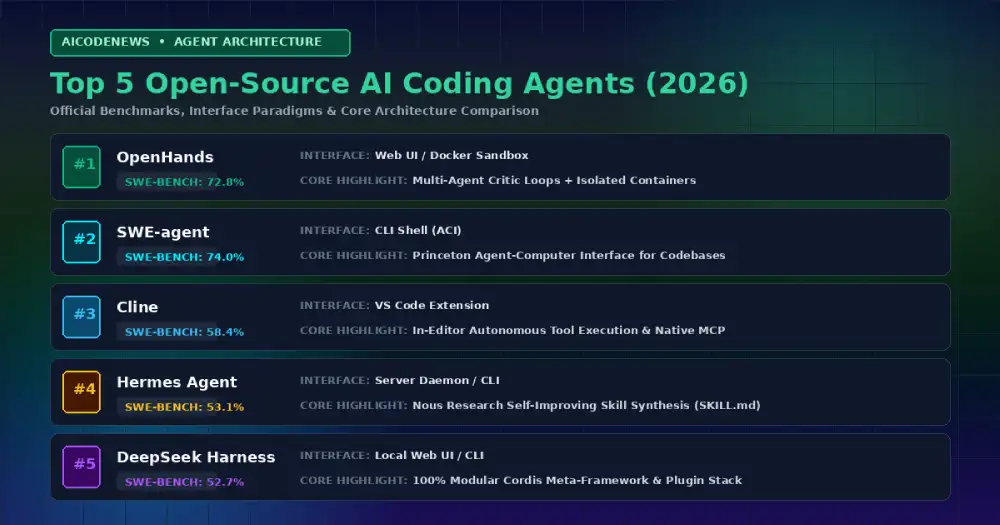
    #1OpenHands (OpenDevin)Web UI / Headless Docker72.8%Local vLLM, Claude, GPT, QwenDocker sandboxed autonomous software engineering & multi-agent critic loops
    #2SWE-agent / mini-SWE-agentHeadless CLI / Docker65.0% – 74.0%Claude Opus 5, GPT-5.6, LocalPrinceton’s Agent-Computer Interface (ACI) for repository exploration
    #3ClineVS Code Extension58.4%OpenRouter, Ollama, LM StudioAutonomous in-editor terminal execution & native MCP support
    #4Hermes AgentCLI / Serverless Daemon53.1%Nous Portal, OpenRouter, vLLMNous Research closed learning loop & automatic skill synthesis
    #5DeepSeek Harness (dsh)Local Web UI / CLI52.7%DeepSeek API, Ollama, OpenAI API100% modular Cordis plugin architecture & formal Peking Univ. proofs
    #6AiderTerminal CLI48.0% (Polyglot SOTA)Ollama, vLLM, DeepSeek, ClaudeGit-native automatic commits & Tree-Sitter project map
    #7Continue.devVS Code / JetBrains44.5%Ollama, Together, LM StudioCustom local inline tab autocomplete & custom model routing
    #8OpenClawTelegram / WhatsApp / CLI42.0%Ollama, vLLM, Claude, GPTMulti-channel 24/7 background personal intelligence runtime
    #9TabbySelf-Hosted Server / IDEs38.5%Self-hosted HuggingFace modelsOn-premise enterprise Copilot replacement with internal Git sync
    #10Melty / Kilo CodeForked IDE / Terminal36.0%OpenAI, Anthropic, OllamaCompiler diagnostics tracking & interactive diffs

    2. Deep-Dive Reviews: The Best Open Source AI Coding Assistant Options

    1. OpenHands (Formerly OpenDevin): The SWE-Bench Benchmark Leader

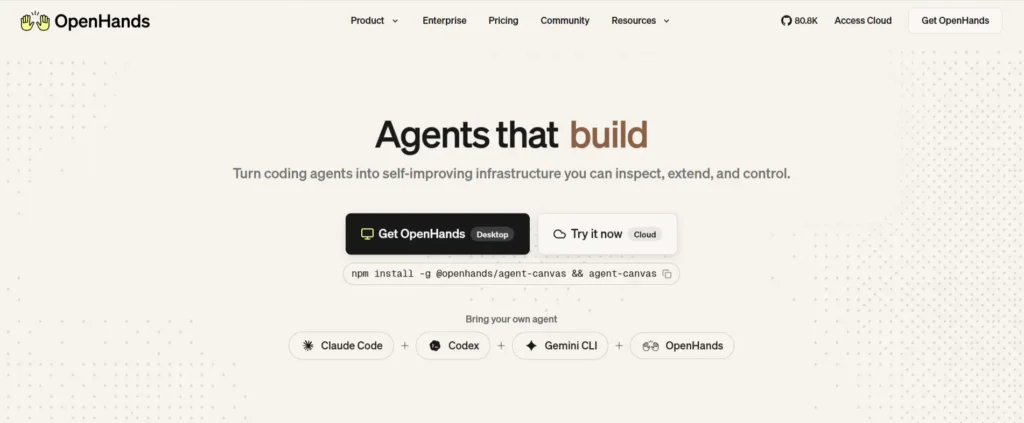
    open hands

    OpenHands is the premier open-source autonomous software engineering platform. Running inside an isolated Docker container with its own virtual workspace, browser, and bash terminal, OpenHands achieved a massive 72.8% score on SWE-Bench Verified by utilizing inference-time scaling and multi-agent critic loops to self-correct code patches.

    Why Developers Love It: Perfect for autonomous background tasks like refactoring legacy modules or solving backlog GitHub issues overnight while maintaining strict container security boundaries.

    2. SWE-agent & mini-SWE-agent: Princeton’s SOTA Research Harness

    Built by researchers at Princeton and Stanford University, SWE-agent pioneered the Agent-Computer Interface (ACI)—a specialized terminal shell designed specifically to help LLMs navigate, search, edit, and test massive code repositories efficiently without drowning in terminal noise. Its lightweight successor, mini-SWE-agent, scores up to 74% in just 100 lines of Python.

    Why Developers Love It: Exceptional file-search and syntax-aware viewing tools that prevent models from getting lost in 100k+ line codebases.

    3. Cline: Autonomous In-Editor Power with Model Context Protocol

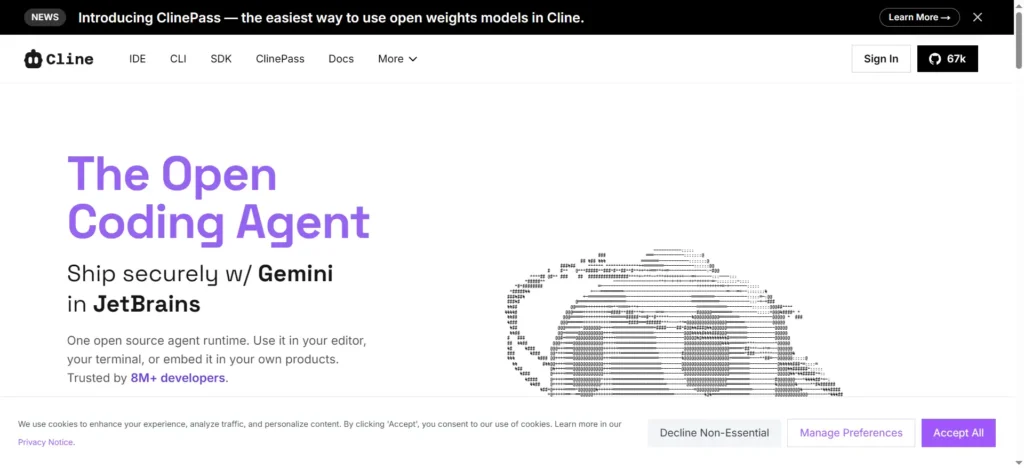
    cline ai site

    Cline (formerly Claude Dev) is an open-source VS Code extension that operates as a full-fledged autonomous agent inside your editor. It reads your project structure, executes terminal commands, edits multiple files simultaneously, and asks for human confirmation before running destructive actions.

    Why Developers Love It: Cline features native Model Context Protocol (MCP) integration, allowing you to connect SQLite databases, browser automation tools, and local documentation servers directly into your editing workflow.

    4. Hermes Agent: The Self-Improving Digital Colleague

    hermes app website

    Developed by Nous Research, Hermes Agent breaks the amnesia cycle of traditional AI assistants. When it solves a difficult debugging or refactoring problem, it automatically compiles its trajectory into a permanent SKILL.md file, becoming faster and smarter every time you run it.

    Why Developers Love It: Combines persistent SQLite FTS5 memory with autonomous skill generation, ensuring you never have to re-explain your repository layout or mock test harnesses.

    5. DeepSeek Harness (dsh): The Modular Plugin Architecture

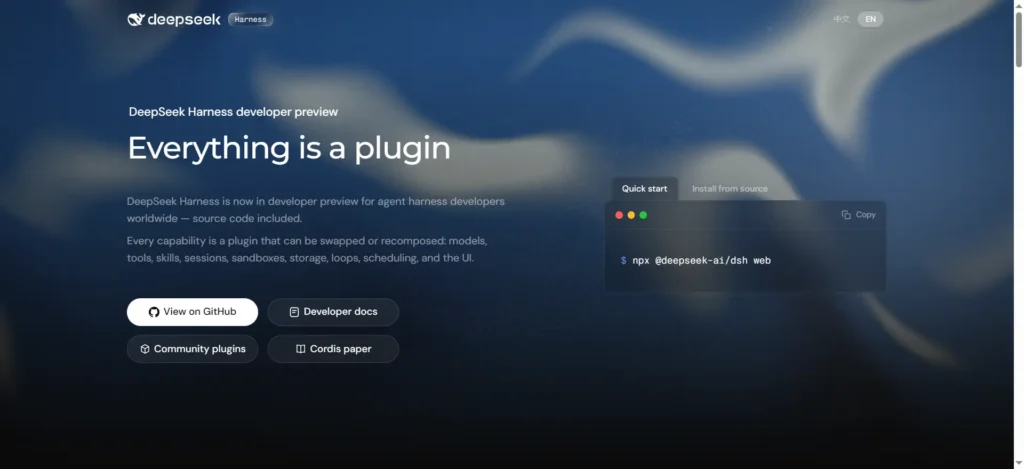
    deepseek harness website

    Surging past 144K GitHub stars, DeepSeek Harness is an MIT-licensed agent runtime built on the Cordis meta-framework. It eliminates the concept of a privileged core—every capability (model adapters, tools, sandboxes, and the decision loop itself) is a swappable plugin.

    Why Developers Love It: Backed by formal mathematical proofs from Peking University and DeepSeek, it lets developers customize every aspect of agent behavior by mounting lightweight plugins rather than maintaining complex project forks.

    6. Aider: The Git-Native CLI Pair Programmer

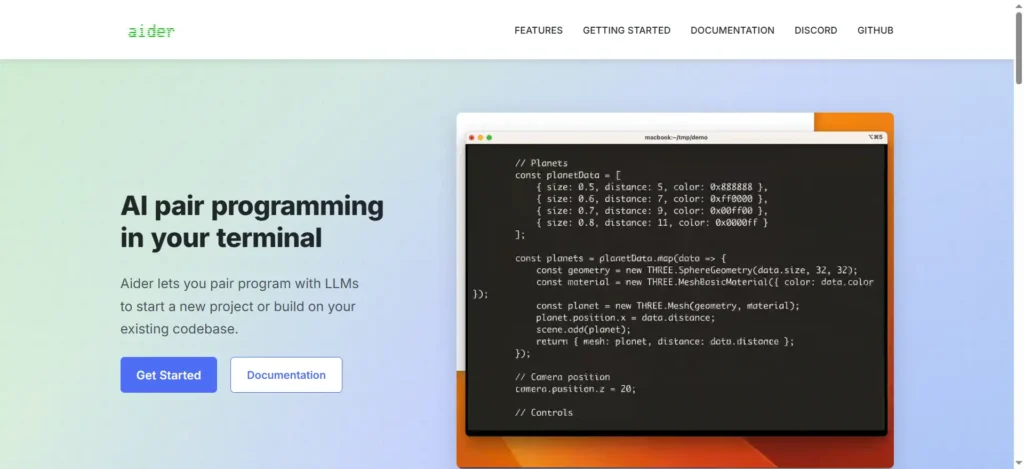
    aider coding agent

    Aider is the pioneer of terminal-based pair programming. It connects directly to your local Git repository, builds a compact map of your entire project syntax tree using Tree-Sitter, and automatically writes clean, git-committed code changes.

    Why Developers Love It: While autonomous agents like OpenHands focus on long multi-turn batch benchmarks, Aider remains the fastest interactive CLI for developers who want instant, git-committed edits while coding side-by-side with an LLM.

    7. Continue.dev: The Flexible Copilot for VS Code & JetBrains

    Continue is the most flexible open-source extension for developers who want inline code completion and custom chat sidebars across both VS Code and JetBrains IDEs.

    Why Developers Love It: Unmatched local model routing. You can pair an ultra-fast local Ollama model (like Qwen3.8-27B) for instant tab autocomplete while routing complex architecture questions to Claude or DeepSeek.

    8. OpenClaw: The 24/7 Multi-Channel Personal Assistant

    openclaw ss

    OpenClaw transforms messaging apps (Telegram, WhatsApp, Discord, Slack) into a 24/7 control plane for your local development machine. You send a message from your phone, and the agent executes terminal commands, writes code, and sends you the pull request link.

    Why Developers Love It: Runs seamlessly in the background on an always-on Mac mini or Linux VPS, turning routine DevOps and script execution into simple mobile chat conversations.

    9. Tabby: The Enterprise Self-Hosted Copilot

    Tabby is a dedicated on-premise AI coding server designed for enterprise engineering teams with strict compliance and data security requirements. It indexes your internal Git repositories to provide context-aware autocomplete without sending a single token outside your company firewall.

    Why Developers Love It: Self-contained Docker deployment with built-in hardware acceleration for consumer Nvidia GPUs and enterprise clusters.

    10. Melty & Kilo Code: The Next-Gen Open Code Editors

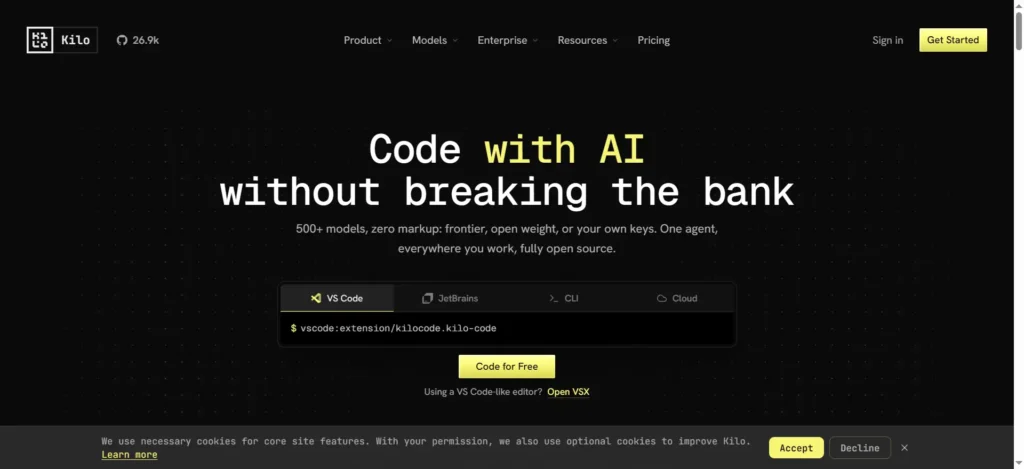
    kilo code

    Melty and Kilo Code represent the emerging wave of open-source AI-native IDEs that integrate directly with compiler diagnostics, tracking every keystroke and compiler error to refine generated code in real time.

    Why Developers Love It: Transparent, open-source codebases with native interactive diff viewers that make reviewing AI-generated code fast and reliable.

    3. How to Choose the Best Open Source AI Coding Assistant for Your Workflow

    Selecting the Best Open Source AI Coding Assistant depends on your primary editing environment, hardware setup, and autonomy requirements:

    • Choose OpenHands or SWE-agent if: You want top-tier benchmarked autonomous problem solving in isolated Docker environments for complex GitHub issue resolution.
    • Choose Cline if: You prefer working inside VS Code and want an autonomous in-editor agent powered by Model Context Protocol (MCP).
    • Choose Aider if: You work primarily in the terminal and want fast, interactive Git-committed pair programming.
    • Choose Continue.dev if: You want private, local inline tab autocomplete in VS Code or JetBrains powered by a local Ollama model.
    • Choose Hermes Agent or DeepSeek Harness if: You want self-improving agents with compounding skills or modular plugin architectures.
    • Choose Tabby if: You are an engineering lead looking for an on-premise, enterprise-compliant alternative to GitHub Copilot.

    4. Frequently Asked Questions (FAQ)

    Can an open source AI coding assistant run 100% offline?

    Yes. Tools like OpenHands, Aider, Continue.dev, Tabby, and OpenClaw can connect directly to local inference engines like Ollama or vLLM running quantized open-weight models (such as Qwen3.8-27B or DeepSeek V4), providing completely private coding assistance with zero internet connectivity.

    How does SWE-Bench measure AI coding performance?

    SWE-Bench tests AI models and agents against real-world, end-to-end GitHub issues from popular open-source repositories. To solve an issue, the agent must read the codebase, locate the bug, write a multi-file patch, and pass the repository’s actual unit and integration test suites.

    Are open-source coding assistants free to use?

    Yes, all 10 tools ranked in this guide are open-source under permissive licenses (MIT or Apache 2.0). The only cost is the API tokens you consume (if using commercial endpoints like Claude or DeepSeek) or the electricity required to run local models on your own hardware.

    5. Key Takeaways

    • Open-Source Parity: Modern autonomous open-source systems like OpenHands (72.8%) and mini-SWE-agent (74.0%) rival commercial benchmarks on SWE-Bench Verified.
    • Specialized Roles: OpenHands and SWE-agent dominate autonomous issue solving; Cline leads in-editor MCP workflows; Aider excels at interactive CLI pairing.
    • Self-Hosted Privacy: Open-source assistants allow developers to build completely private, air-gapped development stacks using local LLMs.

    Bookmark AICodeNews.com for daily updates on open-source AI coding tools, LLM benchmarks, and developer engineering guides.