
If you are looking for the Best Open Source AI Coding Assistant to replace expensive proprietary subscriptions or build an entirely air-gapped, privacy-first software development workflow, 2026 is the year open-source tooling caught up to closed commercial alternatives.
Proprietary tools like Cursor and GitHub Copilot are no longer the only options for multi-file refactoring and automated bug fixing. Modern open-source autonomous agents, terminal copilots, and local IDE extensions now achieve over 70% resolution rates on SWE-Bench Verified while giving developers 100% control over their code, API keys, and local model infrastructure.
This comprehensive guide ranks the Best Open-Source AI Coding Assistant frameworks available today based on independent SWE-Bench Verified scores, multi-file code editing accuracy, local model support, and production developer experience.
1. SWE-Bench Master Comparison Table: Top 10 Open Source Coding Tools
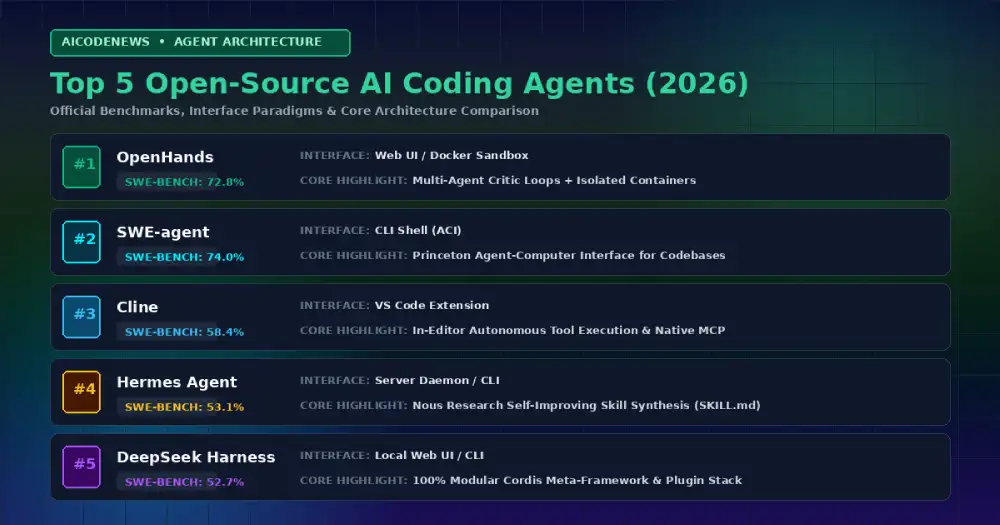
Before examining each tool individually, here is the complete head-to-head leaderboard comparing the Best Open-Source AI Coding Assistant frameworks across SWE-Bench scores, interfaces, local model support, and key architectural strengths:
| Rank | Tool Name | Primary Interface | SWE-Bench Score | Local Model Support | Key Architectural Strength |
|---|---|---|---|---|---|
| #1 | OpenHands (OpenDevin) | Web UI / Headless Docker | 72.8% | Local vLLM, Claude, GPT, Qwen | Docker sandboxed autonomous software engineering & multi-agent critic loops |
| #2 | SWE-agent / mini-SWE-agent | Headless CLI / Docker | 65.0% – 74.0% | Claude Opus 5, GPT-5.6, Local | Princeton’s Agent-Computer Interface (ACI) for repository exploration |
| #3 | Cline | VS Code Extension | 58.4% | OpenRouter, Ollama, LM Studio | Autonomous in-editor terminal execution & native MCP support |
| #4 | Hermes Agent | CLI / Serverless Daemon | 53.1% | Nous Portal, OpenRouter, vLLM | Nous Research closed learning loop & automatic skill synthesis |
| #5 | DeepSeek Harness (dsh) | Local Web UI / CLI | 52.7% | DeepSeek API, Ollama, OpenAI API | 100% modular Cordis plugin architecture & formal Peking Univ. proofs |
| #6 | Aider | Terminal CLI | 48.0% (Polyglot SOTA) | Ollama, vLLM, DeepSeek, Claude | Git-native automatic commits & Tree-Sitter project map |
| #7 | Continue.dev | VS Code / JetBrains | 44.5% | Ollama, Together, LM Studio | Custom local inline tab autocomplete & custom model routing |
| #8 | OpenClaw | Telegram / WhatsApp / CLI | 42.0% | Ollama, vLLM, Claude, GPT | Multi-channel 24/7 background personal intelligence runtime |
| #9 | Tabby | Self-Hosted Server / IDEs | 38.5% | Self-hosted HuggingFace models | On-premise enterprise Copilot replacement with internal Git sync |
| #10 | Melty / Kilo Code | Forked IDE / Terminal | 36.0% | OpenAI, Anthropic, Ollama | Compiler diagnostics tracking & interactive diffs |
2. Deep-Dive Reviews: The Best Open Source AI Coding Assistant Options
1. OpenHands (Formerly OpenDevin): The SWE-Bench Benchmark Leader
OpenHands is the premier open-source autonomous software engineering platform. Running inside an isolated Docker container with its own virtual workspace, browser, and bash terminal, OpenHands achieved a massive 72.8% score on SWE-Bench Verified by utilizing inference-time scaling and multi-agent critic loops to self-correct code patches.
Why Developers Love It: Perfect for autonomous background tasks like refactoring legacy modules or solving backlog GitHub issues overnight while maintaining strict container security boundaries.
2. SWE-agent & mini-SWE-agent: Princeton’s SOTA Research Harness
Built by researchers at Princeton and Stanford University, SWE-agent pioneered the Agent-Computer Interface (ACI)—a specialized terminal shell designed specifically to help LLMs navigate, search, edit, and test massive code repositories efficiently without drowning in terminal noise. Its lightweight successor, mini-SWE-agent, scores up to 74% in just 100 lines of Python.
Why Developers Love It: Exceptional file-search and syntax-aware viewing tools that prevent models from getting lost in 100k+ line codebases.
3. Cline: Autonomous In-Editor Power with Model Context Protocol
Cline (formerly Claude Dev) is an open-source VS Code extension that operates as a full-fledged autonomous agent inside your editor. It reads your project structure, executes terminal commands, edits multiple files simultaneously, and asks for human confirmation before running destructive actions.
Why Developers Love It: Cline features native Model Context Protocol (MCP) integration, allowing you to connect SQLite databases, browser automation tools, and local documentation servers directly into your editing workflow.
4. Hermes Agent: The Self-Improving Digital Colleague
Developed by Nous Research, Hermes Agent breaks the amnesia cycle of traditional AI assistants. When it solves a difficult debugging or refactoring problem, it automatically compiles its trajectory into a permanent SKILL.md file, becoming faster and smarter every time you run it.
Why Developers Love It: Combines persistent SQLite FTS5 memory with autonomous skill generation, ensuring you never have to re-explain your repository layout or mock test harnesses.
5. DeepSeek Harness (dsh): The Modular Plugin Architecture
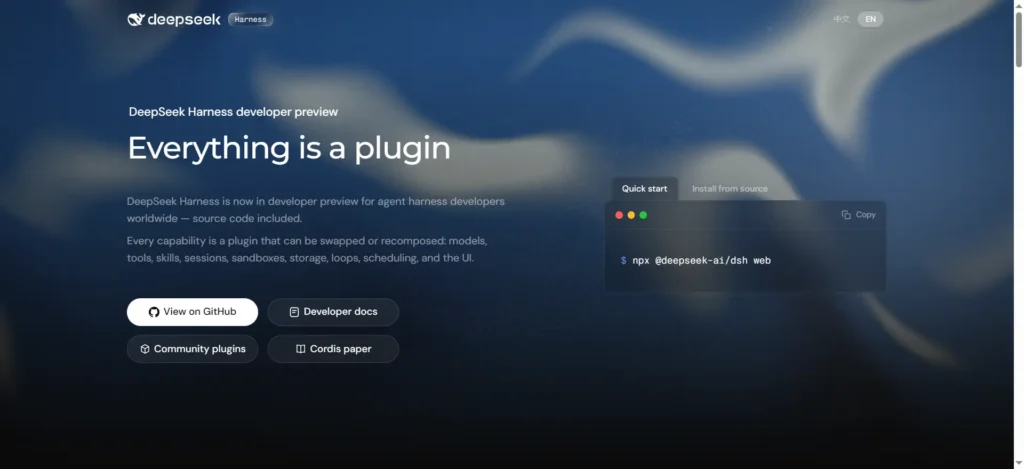
Surging past 144K GitHub stars, DeepSeek Harness is an MIT-licensed agent runtime built on the Cordis meta-framework. It eliminates the concept of a privileged core—every capability (model adapters, tools, sandboxes, and the decision loop itself) is a swappable plugin.
Why Developers Love It: Backed by formal mathematical proofs from Peking University and DeepSeek, it lets developers customize every aspect of agent behavior by mounting lightweight plugins rather than maintaining complex project forks.
6. Aider: The Git-Native CLI Pair Programmer
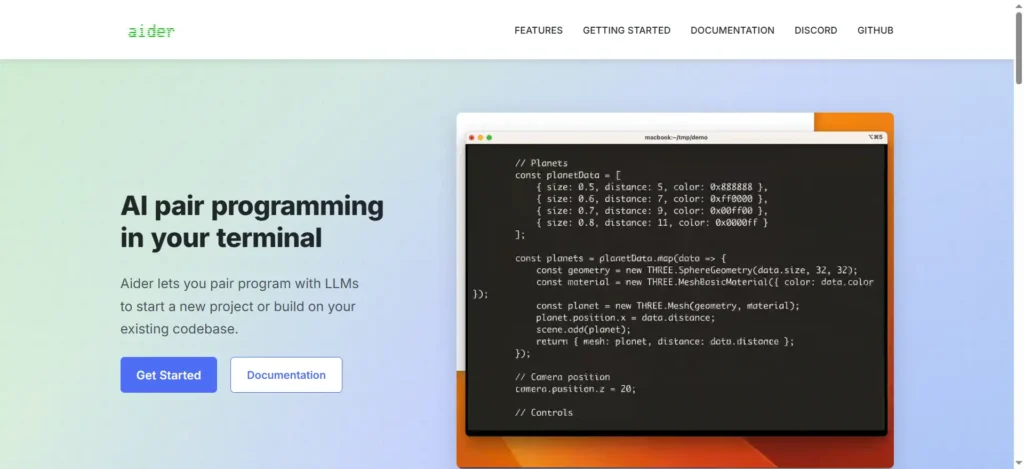
Aider is the pioneer of terminal-based pair programming. It connects directly to your local Git repository, builds a compact map of your entire project syntax tree using Tree-Sitter, and automatically writes clean, git-committed code changes.
Why Developers Love It: While autonomous agents like OpenHands focus on long multi-turn batch benchmarks, Aider remains the fastest interactive CLI for developers who want instant, git-committed edits while coding side-by-side with an LLM.
7. Continue.dev: The Flexible Copilot for VS Code & JetBrains
Continue is the most flexible open-source extension for developers who want inline code completion and custom chat sidebars across both VS Code and JetBrains IDEs.
Why Developers Love It: Unmatched local model routing. You can pair an ultra-fast local Ollama model (like Qwen3.8-27B) for instant tab autocomplete while routing complex architecture questions to Claude or DeepSeek.
8. OpenClaw: The 24/7 Multi-Channel Personal Assistant
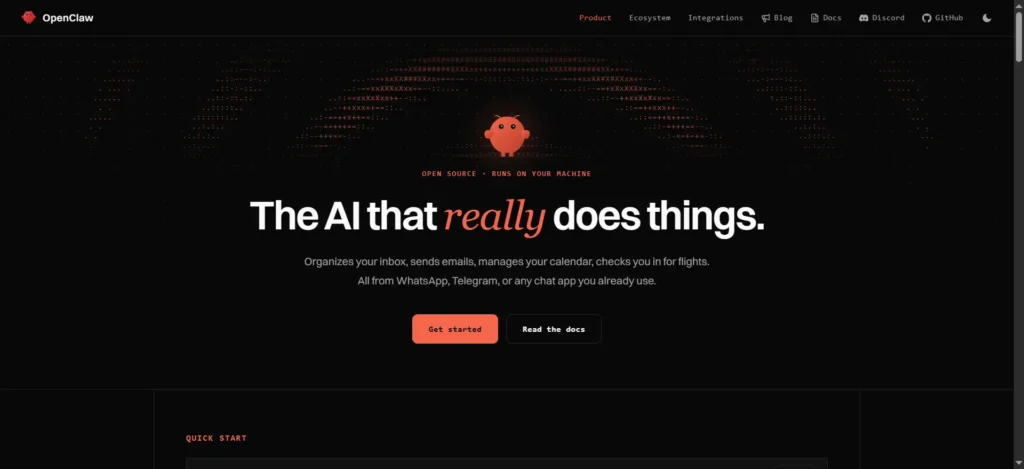
OpenClaw transforms messaging apps (Telegram, WhatsApp, Discord, Slack) into a 24/7 control plane for your local development machine. You send a message from your phone, and the agent executes terminal commands, writes code, and sends you the pull request link.
Why Developers Love It: Runs seamlessly in the background on an always-on Mac mini or Linux VPS, turning routine DevOps and script execution into simple mobile chat conversations.
9. Tabby: The Enterprise Self-Hosted Copilot
Tabby is a dedicated on-premise AI coding server designed for enterprise engineering teams with strict compliance and data security requirements. It indexes your internal Git repositories to provide context-aware autocomplete without sending a single token outside your company firewall.
Why Developers Love It: Self-contained Docker deployment with built-in hardware acceleration for consumer Nvidia GPUs and enterprise clusters.
10. Melty & Kilo Code: The Next-Gen Open Code Editors
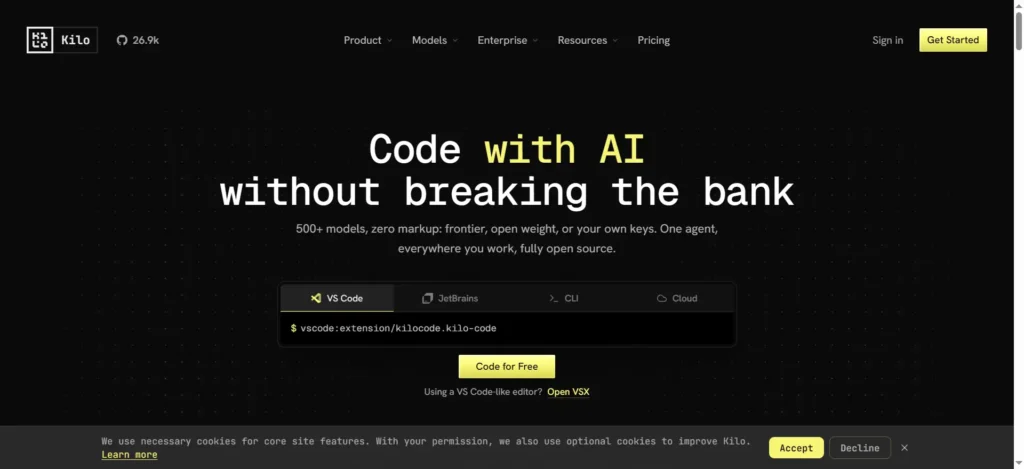
Melty and Kilo Code represent the emerging wave of open-source AI-native IDEs that integrate directly with compiler diagnostics, tracking every keystroke and compiler error to refine generated code in real time.
Why Developers Love It: Transparent, open-source codebases with native interactive diff viewers that make reviewing AI-generated code fast and reliable.
3. How to Choose the Best Open Source AI Coding Assistant for Your Workflow
Selecting the Best Open Source AI Coding Assistant depends on your primary editing environment, hardware setup, and autonomy requirements:
- Choose OpenHands or SWE-agent if: You want top-tier benchmarked autonomous problem solving in isolated Docker environments for complex GitHub issue resolution.
- Choose Cline if: You prefer working inside VS Code and want an autonomous in-editor agent powered by Model Context Protocol (MCP).
- Choose Aider if: You work primarily in the terminal and want fast, interactive Git-committed pair programming.
- Choose Continue.dev if: You want private, local inline tab autocomplete in VS Code or JetBrains powered by a local Ollama model.
- Choose Hermes Agent or DeepSeek Harness if: You want self-improving agents with compounding skills or modular plugin architectures.
- Choose Tabby if: You are an engineering lead looking for an on-premise, enterprise-compliant alternative to GitHub Copilot.
4. Frequently Asked Questions (FAQ)
Can an open source AI coding assistant run 100% offline?
Yes. Tools like OpenHands, Aider, Continue.dev, Tabby, and OpenClaw can connect directly to local inference engines like Ollama or vLLM running quantized open-weight models (such as Qwen3.8-27B or DeepSeek V4), providing completely private coding assistance with zero internet connectivity.
How does SWE-Bench measure AI coding performance?
SWE-Bench tests AI models and agents against real-world, end-to-end GitHub issues from popular open-source repositories. To solve an issue, the agent must read the codebase, locate the bug, write a multi-file patch, and pass the repository’s actual unit and integration test suites.
Are open-source coding assistants free to use?
Yes, all 10 tools ranked in this guide are open-source under permissive licenses (MIT or Apache 2.0). The only cost is the API tokens you consume (if using commercial endpoints like Claude or DeepSeek) or the electricity required to run local models on your own hardware.
5. Key Takeaways
- Open-Source Parity: Modern autonomous open-source systems like OpenHands (72.8%) and mini-SWE-agent (74.0%) rival commercial benchmarks on SWE-Bench Verified.
- Specialized Roles: OpenHands and SWE-agent dominate autonomous issue solving; Cline leads in-editor MCP workflows; Aider excels at interactive CLI pairing.
- Self-Hosted Privacy: Open-source assistants allow developers to build completely private, air-gapped development stacks using local LLMs.
Bookmark AICodeNews.com for daily updates on open-source AI coding tools, LLM benchmarks, and developer engineering guides.

The official editorial desk of AICodeNews. We provide verified breaking news, in-depth tool comparisons, and hands-on technical tutorials for software engineers building with frontier and open-source AI models.
Wanna know more about us? Read here
Comments
One response to “Best Open-Source AI Coding Assistants in 2026: Top 10 Ranked by SWE-Bench”
[…] standard AI assistants, every session starts from a blank slate. If an agent spends two hours debugging a complex Rust […]